
When we think about digital signage in an airport or train station, we typically picture departure boards, interactive maps and gate information. Those displays are essential to the passenger journey—but they represent only part of the story.
Behind the scenes, thousands of employees are coordinating baggage, gates, aircraft, crews, safety procedures and facility operations. They also need the right information, in the right place, at the right time.
That is where employee-facing digital signage can make a significant difference.
Keeping teams connected in a constantly changing environment
Transit operations rarely stand still. A gate changes. Weather moves in. A flight is delayed. Baggage must be redirected. A safety notice requires immediate attention. A staffing update affects the next shift.
Email and mobile communication have their place, but employees working on ramps, baggage systems, platforms and other operational areas may not be sitting at a computer or regularly checking a phone. Strategically placed displays make important information visible within the flow of work.
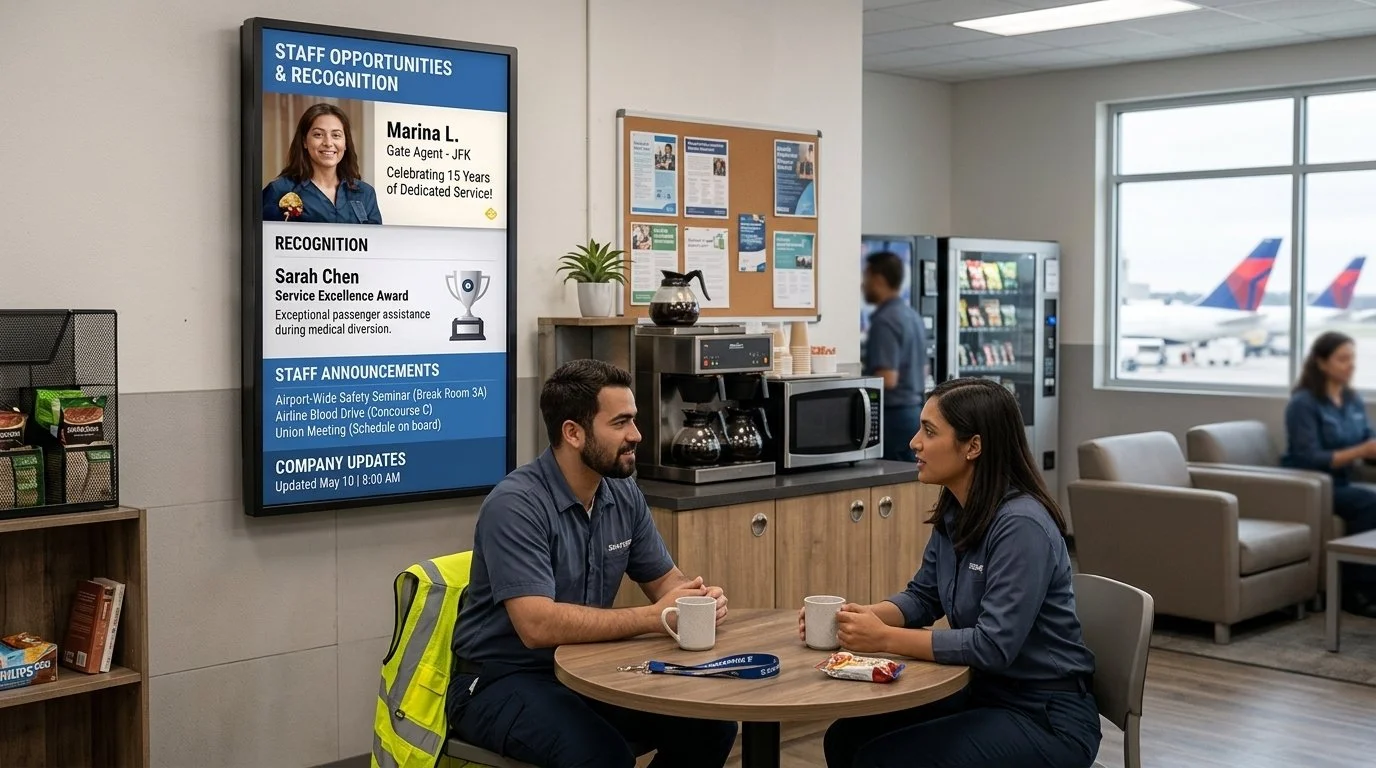
Digital signage can support:
Gate and baggage-routing changes
Flight, train and platform schedules
Crew assignments and shift updates
Severe-weather and emergency alerts
Ramp, platform and workplace safety notices
Equipment status and maintenance information
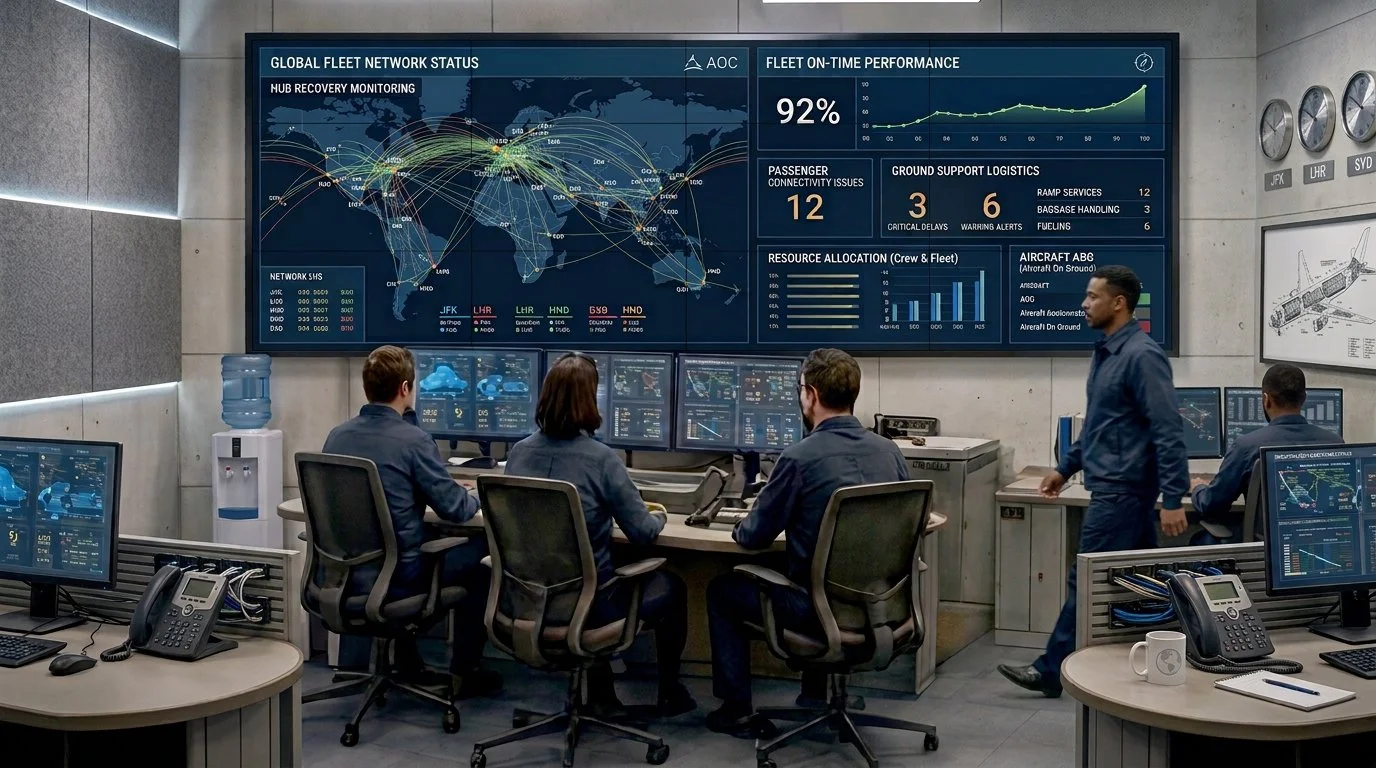
Operational KPIs and performance goals
Training reminders and procedure updates
Company announcements and employee recognition
The result is a more connected operation in which teams can see what has changed and what requires their attention.
Atlanta shows the scale of the challenge
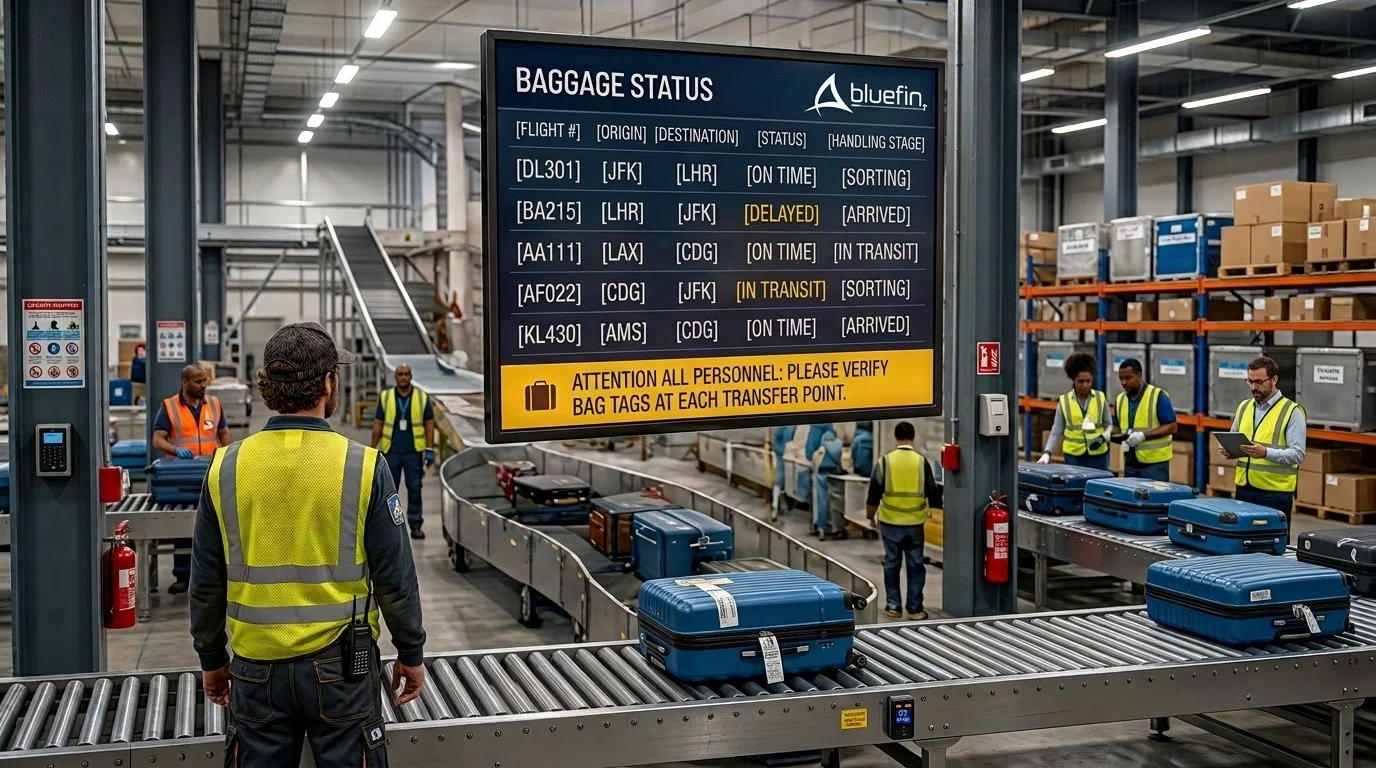
Consider what it takes to keep a major hub moving. Delta reports that as many as 100,000 bags can pass through Hartsfield-Jackson Atlanta International Airport on a peak travel day. Getting each bag to the correct aircraft on time requires precise coordination among people, systems and equipment. Delta News Hub
Digital signage becomes another layer in that operational communication network. Industry reporting on Delta’s Atlanta operations describes employee-facing displays used to communicate flight schedules, crew assignments, weather alerts, safety information and corporate updates. In baggage and ramp environments, information is intentionally reduced to the essentials so employees can understand it quickly. Invidis
Delta has also used digital signage across airport bases and staff-support locations to replace printed bulletin boards with real-time dashboards. Those displays share information such as reliability, scheduling, timekeeping, safety metrics and location performance. Delta internal communications case study
The technology does not move the bags or assign the gates. It helps make sure the people doing that work have access to current information.
Faster updates without another meeting
One of the clearest benefits of internal digital signage is the ability to update many teams without printing another notice, sending another email or calling another meeting.
Content can be managed centrally while still allowing authorized teams to publish information for a specific location, department or shift. A baggage-handling area may receive routing and safety information, while an employee break room displays schedules, performance updates and company news.
This helps organizations communicate more quickly without showing every message on every screen.
Safety information where work happens
Safety communication cannot be buried in a crowded playlist.
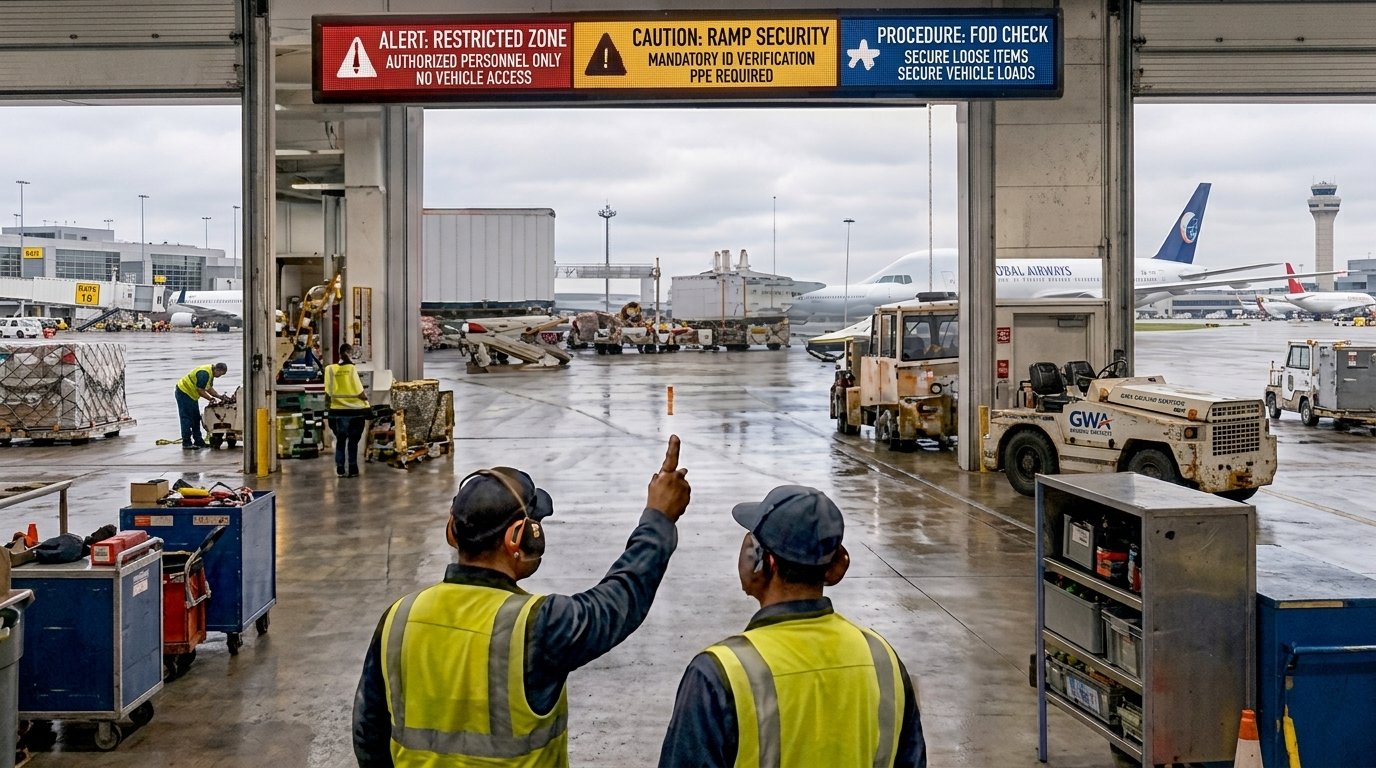
Displays in operational environments can reinforce PPE requirements, equipment procedures, restricted-zone notices and severe-weather protocols. When an urgent event occurs, emergency content should be able to override routine messaging immediately.
Placement is critical. A safety display is only valuable when it is visible from the location where employees need to make a decision. Brightness, viewing distance, content size and language requirements must all be considered.
What should transit organizations consider?
An effective employee communication network begins with the workflow—not the screen.
Before selecting hardware, project teams should ask:
Who needs the information?
Where will they be when they need it?
How quickly must they understand it?
Which systems provide the underlying data?
Who is authorized to publish or override content?
Does the location require indoor, high-bright or more durable hardware?
How will the display connect to power and the network?
Can the hardware be monitored and updated remotely?
What happens if a player, screen or network connection fails?
Content governance matters just as much as hardware. Operational messages should be concise, clearly categorized and assigned an owner. Color can signal urgency, but it must be used consistently. Routine announcements should never compete visually with a safety alert or immediate operational change.
Security must also be part of the plan. Not every employee should see every data point, and operational details should not accidentally appear on passenger-facing screens. User permissions, network segmentation and defined approval processes help protect the information being shared.
Purpose-built for the operational environment
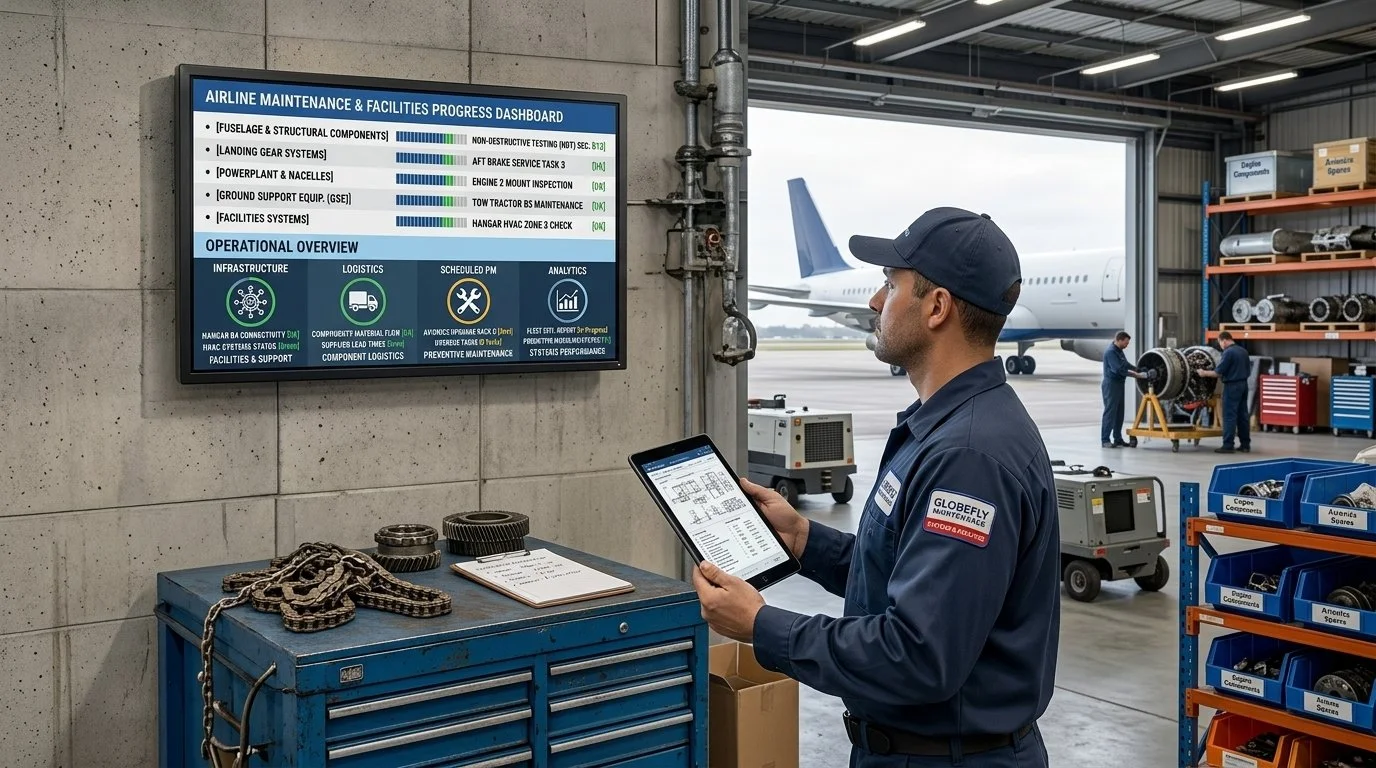
Behind-the-scenes locations can present very different requirements from a lobby or concourse. Displays may operate around the clock in crowded workspaces, bright environments or areas where space and service access are limited.
Purpose-built commercial displays can support these environments with 24/7 operation, multiple screen sizes and form factors, touch or non-touch configurations and integrated operating-system options. A built-in system on chip can also reduce separate media players, mounts, power connections and cabling.
This is especially useful when displays must fit into existing work areas without adding unnecessary complexity. With the right platform, IT teams can remotely manage content and endpoints across multiple terminals, stations or facilities.
Selecting hardware and software that integrate seamlessly as part of a bigger ecosystem is one important way to future proof any installation - and in an environment as active as a transit hub it is essential.
The operational side of the journey
Passengers may never see the screens in a baggage room, crew area or operations center. They still experience their impact.
When a bag reaches the correct aircraft, a gate change is coordinated, a safety message reaches the ramp and employees begin a shift with current information, the entire journey runs more smoothly. Digital signage is not only a passenger communication tool. Behind the scenes, it can help turn a large, fast-moving transit facility into one connected operation.
Ready to modernize your passenger journey? Discuss your transit display project with Bluefin.