Digital signage projects can put AV integrator margins at risk when content ownership, software compatibility, network security, and site requirements are not addressed early enough.
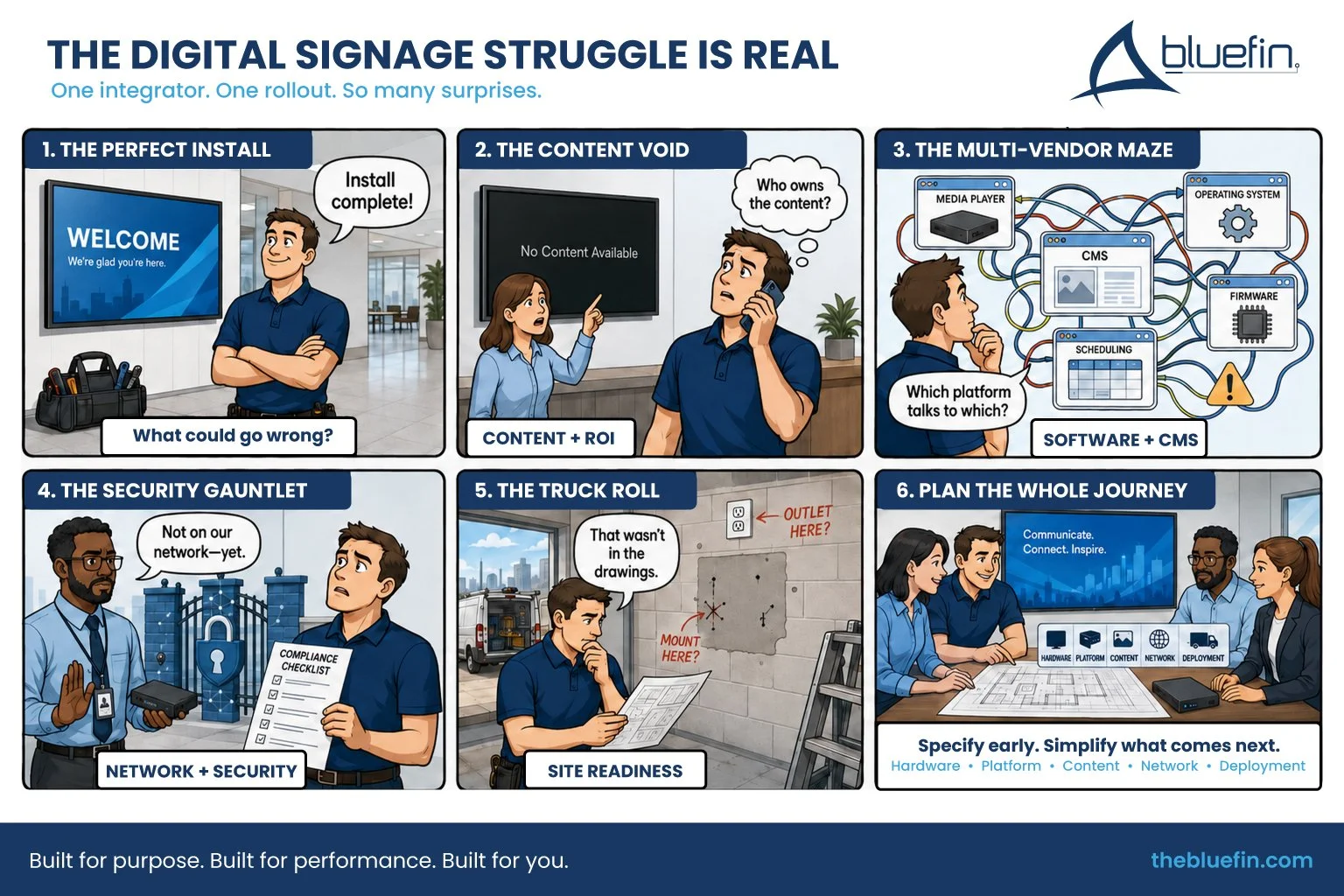
A flawless display installation is only one part of a successful deployment. Integrators may also be expected to coordinate content, content management software, embedded operating systems, network access, mounting, power, ventilation, ongoing support, and measurable project outcomes.
When those responsibilities remain undefined, a seemingly straightforward installation can quickly turn into unpaid troubleshooting, delayed activation, return visits, and a dissatisfied client.
Why Is Digital Signage Challenging for AV Integrators?
Digital signage brings together several disciplines that are often managed by different teams:
Commercial display hardware
Content creation and management
Content management system software
Media players and embedded operating systems
Network infrastructure and security
Mounting, power, cabling, and ventilation
Remote monitoring and post-installation support
Analytics and performance measurement
The integrator may not control every part of the ecosystem, but the client often sees the finished system as one solution. When something goes wrong, the integrator is frequently the first call.
Here are four common digital signage challenges that can turn project complexity into margin pressure.
1. Content and ROI Can Become Post-Installation Problems
The screens are mounted. The hardware is working. The client signs off on the installation.
Then someone asks: Who is responsible for the content?
Content creation, content management, and proving ROI remain recurring challenges in experiential and digital signage projects. Commercial Integrator’s 2026 Experiential Signage Deep Dive Survey specifically asks integrators about content creation, budget constraints, proving ROI, and the talent required to deliver these projects.
The Content Void
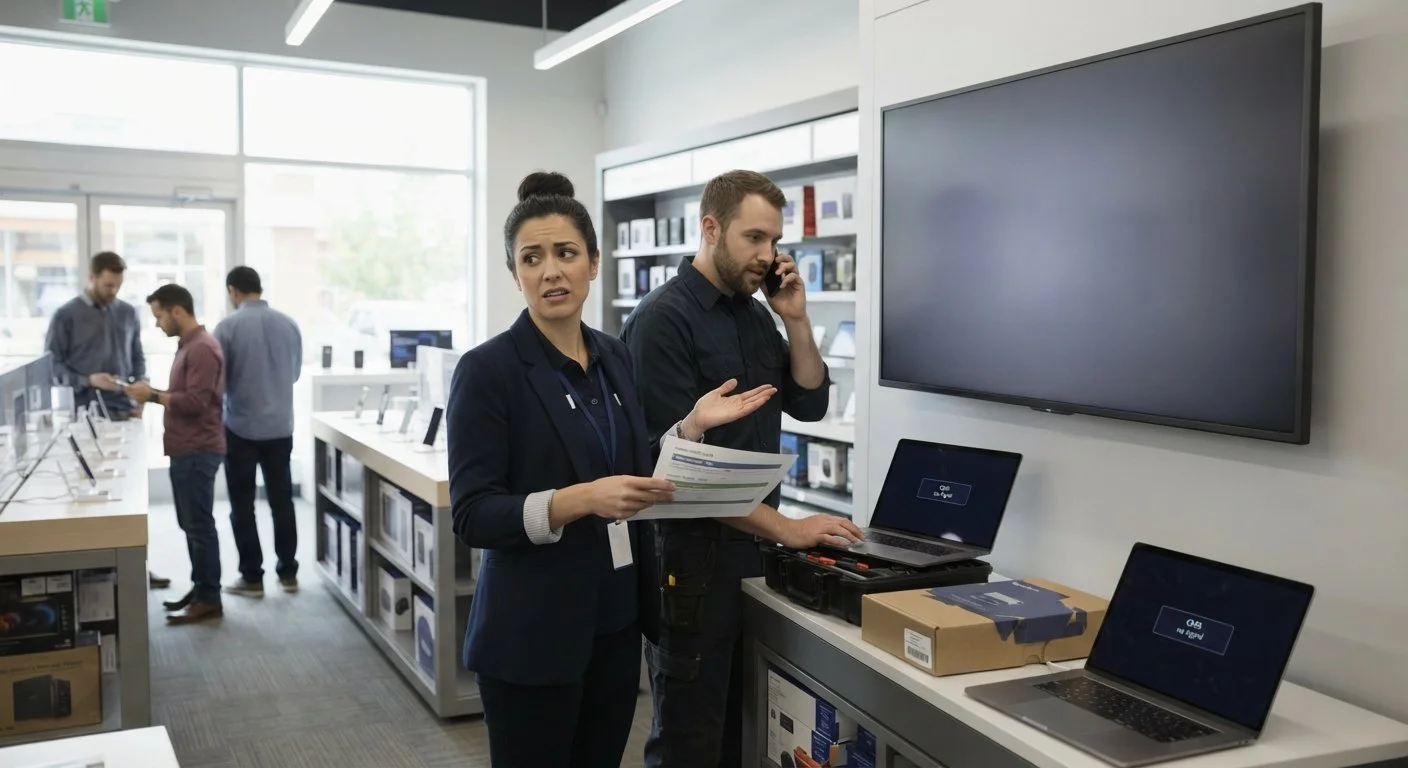
Many AV integrators do not have an in-house creative team, but clients may still expect them to provide guidance on content strategy, templates, scheduling, and updates.
If no one takes ownership after installation, content can quickly become outdated or disappear entirely. The display may be technically functional, but the experience no longer feels effective.
To the client, an outdated message, interrupted feed, or black screen may look like a hardware problem. That can lead to troubleshooting calls for an issue that actually belongs to the content or software workflow. Relationships with Content Creation teams can ease that burden and keep content flowing.
The ROI Question
Defining ROI will help clients understand what success looks like. Depending on the application, that might include:
Increased product sales
Reduced perceived wait times
Improved wayfinding
Fewer customer service inquiries
Higher advertising revenue
Increased employee engagement
Better message recall
Faster content updates
ROI does not always have to mean direct revenue. For wayfinding, emergency communication, internal messaging, and public information, return on objective may be a more useful measurement.
The important step is agreeing on the goal before selecting the technology.
How Integrators Can Reduce Content and ROI Risk
Before the project begins, define:
Who creates the content
Who approves it
Who schedules and updates it
How often content should change
Who monitors feeds and integrations
What happens when content is unavailable
Which metrics will be used to evaluate success
When possible, integrators can also work with hardware and CMS partners that support content and software preloading. Preconfiguring applications and content before displays ship can simplify installation and allow the complete experience to be evaluated earlier.
2. CMS and Software Fragmentation Increase Integration Complexity
A digital signage system may include displays from one manufacturer, media players from another, a third-party CMS, multiple operating systems, data feeds, sensors, and remote device-management tools.
The integrator is expected to make them work together as one coordinated system.

The Multi-Vendor Challenge
Digital signage hardware and software only works if it is compatible across several layers:
Display specifications
Media-player requirements
Embedded processing platform
Operating system
CMS application
Resolution and aspect ratio
Touch functionality
Network communication
Remote monitoring
Firmware and software updates
A compatibility problem may prevent content from playing correctly, disable a desired feature, or create instability after an update. Infinite Audiovisual’s overview of common installation challenges identifies incompatible hardware and software, connectivity complexity, and the lack of centralized content control as recurring deployment problems.
Complex networks add another layer. Retail, transportation, corporate, and campus deployments may require dayparting, location-specific content, emergency overrides, multiple user permissions, and scheduling across different time zones.
How Integrators Can Reduce Compatibility Risk
Integrators should confirm the complete technology stack before displays move into production.
Key questions include:
Which CMS will manage the content?
Which operating systems does the CMS support?
Does the application require a specific processor, memory, or storage capacity?
Will the system use an embedded or external media player?
Does the project require touch, sensors, cameras, or other peripherals?
How will software and firmware updates be tested?
How will devices be monitored after installation?
Is there a path for future platform upgrades?
Bluefin offers multiple embedded operating system options, including BrightSign, Android, Windows, Linux, and ChromeOS Flex configurations. This gives integrators more flexibility to match the display platform to the CMS and project requirements.
3. Network Security Can Delay Activation
Digital signage is increasingly connected to cloud platforms, remote monitoring tools, live data sources, and enterprise networks.
One 2026 digital signage market overview estimates that cloud-native CMS adoption has reached 78%. As more screens become connected endpoints, network security and IT approval become critical parts of deployment planning. Management and Security platforms integrate with a wide range of CMS’ and add an additional layer of security and visibility for end-users.
The IT Approval Roadblock
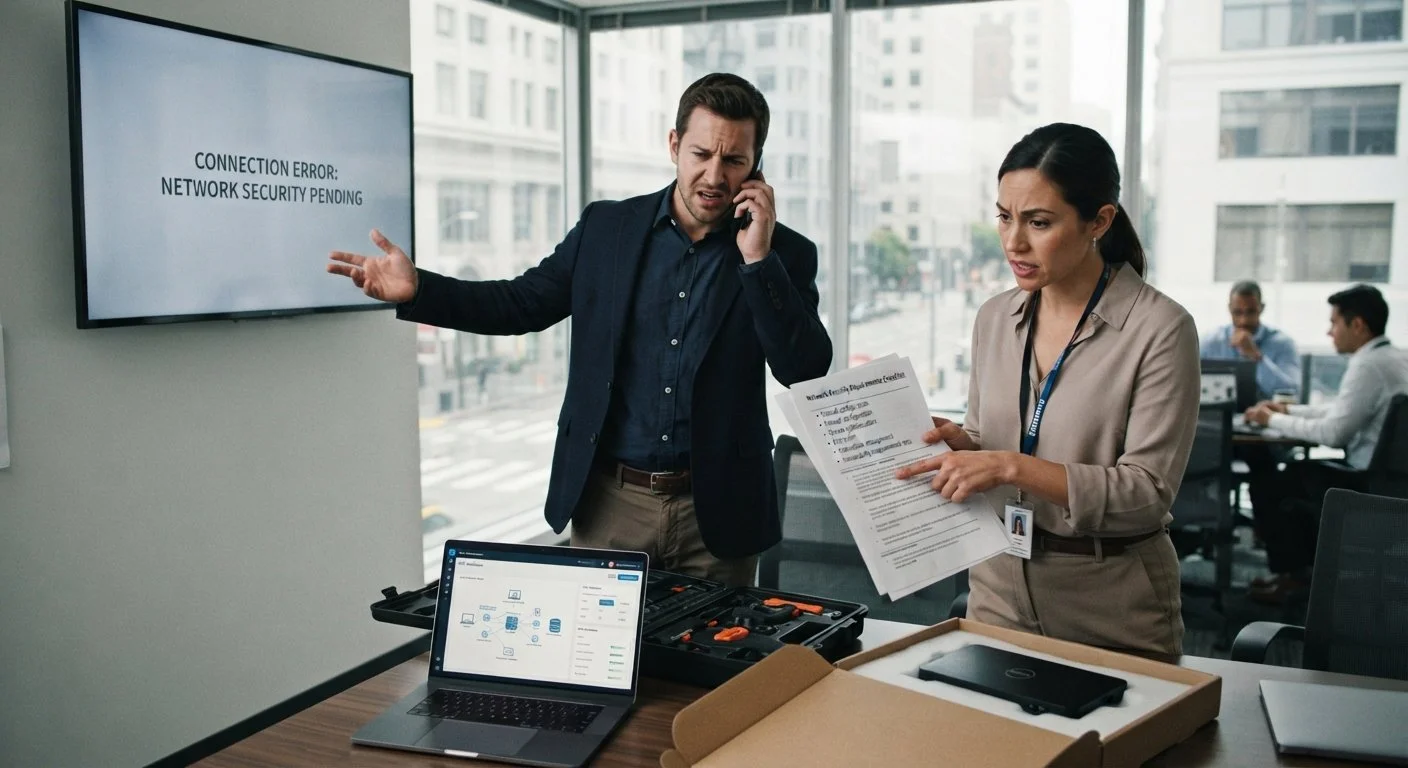
Corporate, healthcare, education, government, and transportation IT teams have stricter requirements and need to understand what is being connected to their networks. Often this hurdle leads to wanting to hit the “easy button” - use what was already used before. While that may be the best path, often a little work with partners can open up additional and improved opportunities. Certifications are a simple request, and the client will appreciate the help getting them the right solution for their intent.
Requirements may include:
Ports and protocols
Data transmission
Device authentication
User permissions
Software updates
Remote access
Encryption
Firewall configuration
Network segmentation
Vulnerability management
Bring IT into the loop at the beginning to avoid network issues at the end. If IT is introduced after the hardware arrives, the screens may be physically installed but unable to connect or receive content. That delay can create additional site visits, extended project management, and frustration for both the integrator and client.
Integrated signage networks may also be exposed to unauthorized access, data interception, or remote tampering if appropriate controls are not established. Common safeguards include VPN isolation, firewalls, encrypted communication, access controls, regular updates, monitoring, and logging, as outlined in this integrated signage security overview.
How Integrators Can Reduce Network Risk
Bring the client’s IT team into the planning process early.
Provide clear documentation covering:
Hardware and operating system
CMS platform
Required network connections
Ports and protocols
Device-identification information
Update policies
Remote-management capabilities
Security and authentication requirements
Bluefin can help with things like Windows licenses or for BrightSign Built-In projects, Bluefin can provide player serial numbers after units are scanned and prepared for shipment. This allows provisioning to begin before the displays arrive and can help support a more organized rollout. When we work together early in the process, we can also bring the CMS provider in and load and configure the software at the factory significantly reducing the time it takes to get the screens running content.
4. Site Conditions Can Turn into Expensive Return Visits
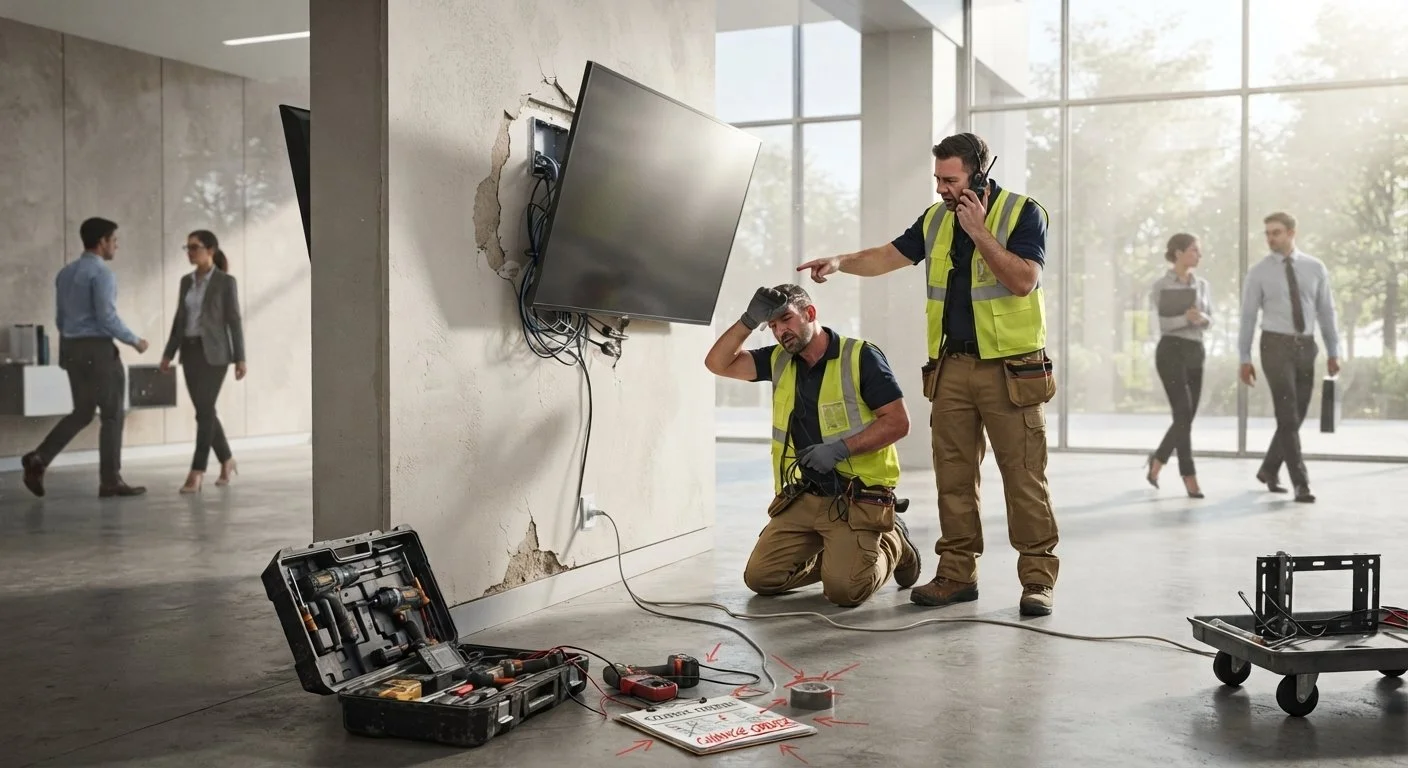
A display may be correct for the content and software but still be wrong for the physical environment. Integrators regularly encounter site conditions that do not match the original project assumptions:
Inadequate wall reinforcement
Incorrect mounting surfaces
Missing or poorly placed electrical outlets
Limited cable access
Insufficient ventilation
Unexpected glare or ambient light
Obstructed sightlines
Incorrect measurements
Inaccessible service points
Environmental conditions beyond the display’s rating
Each missed requirement can lead to delays, change orders, replacement hardware, or an additional truck roll.
Review 7 Digital Signage Options for AV Integrators for troubleshooting tips.
Why Mechanical Drawings Matter
Mechanical drawings should be reviewed while the display can still be adjusted—not after the installation team arrives.
Early review allows the integrator, manufacturer, architect, fixture builder, and contractor to coordinate:
Display dimensions
VESA and mounting points
Housing depth
Cable-entry locations
Power access
Network access
Ventilation and airflow
Surrounding materials
Touch-glass clearance
Service access
Portrait or landscape orientation
A thorough site survey should also account for viewing angle, viewing distance, brightness, environmental exposure, accessibility, and expected operating hours.
Bluefin provides standard, specialty, tailored, and custom commercial displays for applications where a conventional screen may not fit the space or design intent. Options include outdoor displays, touchscreens, PoE on select sizes, ultrawide displays, square and circle screens, and application-specific configurations.
How Can Integrators Protect Their Margins on Digital Signage Projects?
Integrators can reduce project risk by treating digital signage as a complete operating system rather than a screen installation.
A stronger planning process includes:
Define the objective. Determine what the display should help the client communicate, improve, or measure.
Assign content ownership. Identify who will create, approve, schedule, update, and monitor content.
Confirm the complete technology stack. Test the CMS, operating system, player, resolution, peripherals, and device-management requirements together.
Engage IT early. Resolve security, network, provisioning, and remote-access requirements before installation.
Review the physical environment. Confirm dimensions, brightness, mounting, power, connectivity, ventilation, environmental ratings, and service access.
Test before shipment. Use preproduction testing, CMS preloading, content preloading, and burn-in to identify issues earlier.
Document post-installation responsibilities. Establish support boundaries, service-level expectations, escalation paths, and ongoing monitoring requirements.
Plan for what comes next. Consider expansion, platform upgrades, content changes, replacement cycles, and multi-site consistency.
Choose a Hardware Partner That Supports the Complete Project
Integrators should not have to force every application into the same screen size, operating system, mounting approach, or form factor.
Bluefin International manufactures purpose-built commercial displays with multiple embedded platform options, touch, PoE on select models, indoor and outdoor configurations, and a range of standard and specialty formats.
Bluefin’s product and engineering teams can work with integrators early in the project to review CMS requirements, mechanical drawings, connectivity, mounting, content preloading, and custom specifications. The goal is to identify potential complications before they become job-site problems.
Explore Bluefin digital signage solutions or request a quote for your next commercial display project.
Frequently Asked Questions About Digital Signage Integration
-
The biggest challenge is coordinating the complete system. Hardware, content, CMS software, operating systems, network security, mounting, and post-installation support must work together. Problems occur when one of these responsibilities is left undefined.
-
Post-installation problems often result from unclear content ownership, software incompatibility, network interruptions, outdated applications, or undefined support responsibilities. The display hardware may be functioning even when the screen appears blank or outdated.
-
Integrators can reduce black-screen risk by testing content, CMS software, network communication, device registration, and failover behavior before installation. Content and CMS preloading can also help ensure displays arrive better prepared for activation.
-
IT should be involved during planning, before the hardware configuration is finalized. Early coordination gives the team time to review ports, protocols, authentication, encryption, firewalls, remote access, provisioning, and update policies.
-
Mechanical drawings help coordinate dimensions, mounting points, housing depth, cable access, ventilation, surrounding materials, and service access. Reviewing them early reduces the likelihood of modifications or return visits during installation.
-
An embedded operating system or system-on-chip can eliminate the need to mount, power, cable, and maintain a separate external media player. The selected platform must still be compatible with the CMS and performance requirements.
-
Begin with a measurable project objective. Depending on the application, metrics may include sales lift, advertising revenue, reduced wait times, fewer customer-service inquiries, improved wayfinding, content-update speed, engagement, or message recall.
-
Look for commercial-grade operation, CMS and operating-system flexibility, clear technical documentation, installation support, product availability, customization capabilities, testing options, and responsive pre- and post-sale support.