
Healthcare environments run on information.
A patient needs to find the right entrance. A visitor needs directions to the imaging department. A family wants to understand what happens next. A nurse needs to see an updated safety notice. A facilities team needs to communicate an urgent change across the campus.
Each message is different, but the goal is the same: deliver the right information, in the right place, at the right time.
That is why digital signage has become an increasingly important part of healthcare communication. Displays are moving beyond waiting-room television and static announcements to support navigation, check-in, patient education, room identification, emergency messaging and staff coordination.
According to Straits Research, the global healthcare digital signage market is projected to grow at a compound annual rate of 10.61% through 2034.
The growth is significant, but the more interesting story is what is happening inside healthcare facilities. Hospitals and medical campuses are replacing fragmented, printed communication with connected display networks that can respond more quickly to changing patient, visitor and staff needs.
What Is Healthcare Digital Signage?
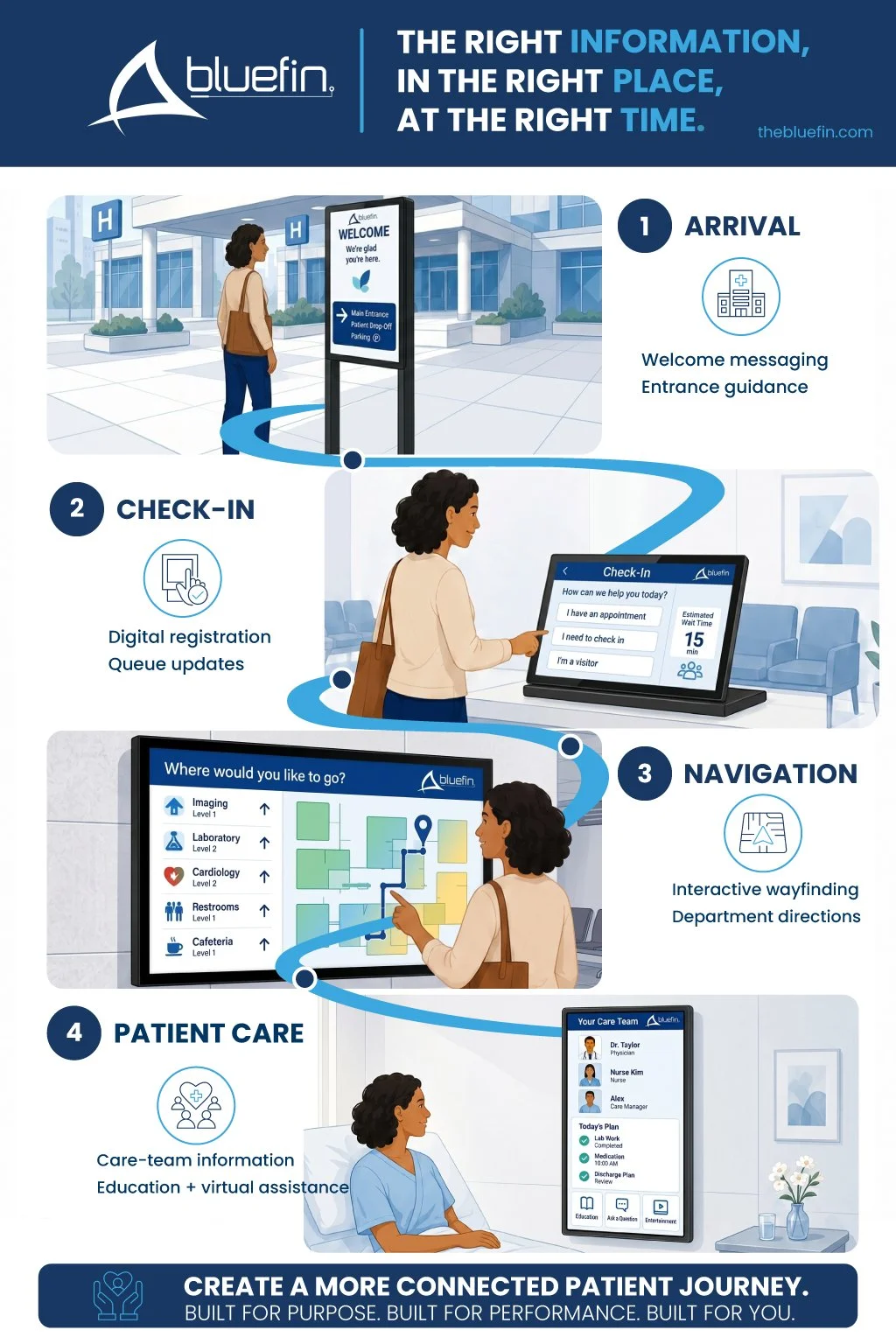
Healthcare digital signage is a network of commercial displays used to communicate with patients, visitors and employees throughout a hospital, clinic or medical campus.
Common applications include:
Campus and building wayfinding
Interactive directories
Check-in and queue management
Waiting-room communication
Patient education
Digital room signs and care boards
Emergency alerts
Cafeteria menu boards
Donor recognition
Staff schedules and safety messaging
Operational dashboards
Training and policy updates
The display is only the visible endpoint. The complete system may also include an embedded operating system or media player, content management software, network connectivity, data integrations and remote device management.
How Does Digital Signage Support the Patient Journey?
Digital signage can support patients from the moment they enter a healthcare campus through check-in, navigation, treatment and follow-up.
The most effective strategy begins with the patient’s questions:
Am I in the right place?
Where do I need to go?
How do I check in?
How long will I be waiting?
What happens next?
Who is part of my care team?
What do I need to know before I leave?
A connected display strategy helps answer those questions at the point where each one naturally arises.
1. Making the First Moments Less Stressful
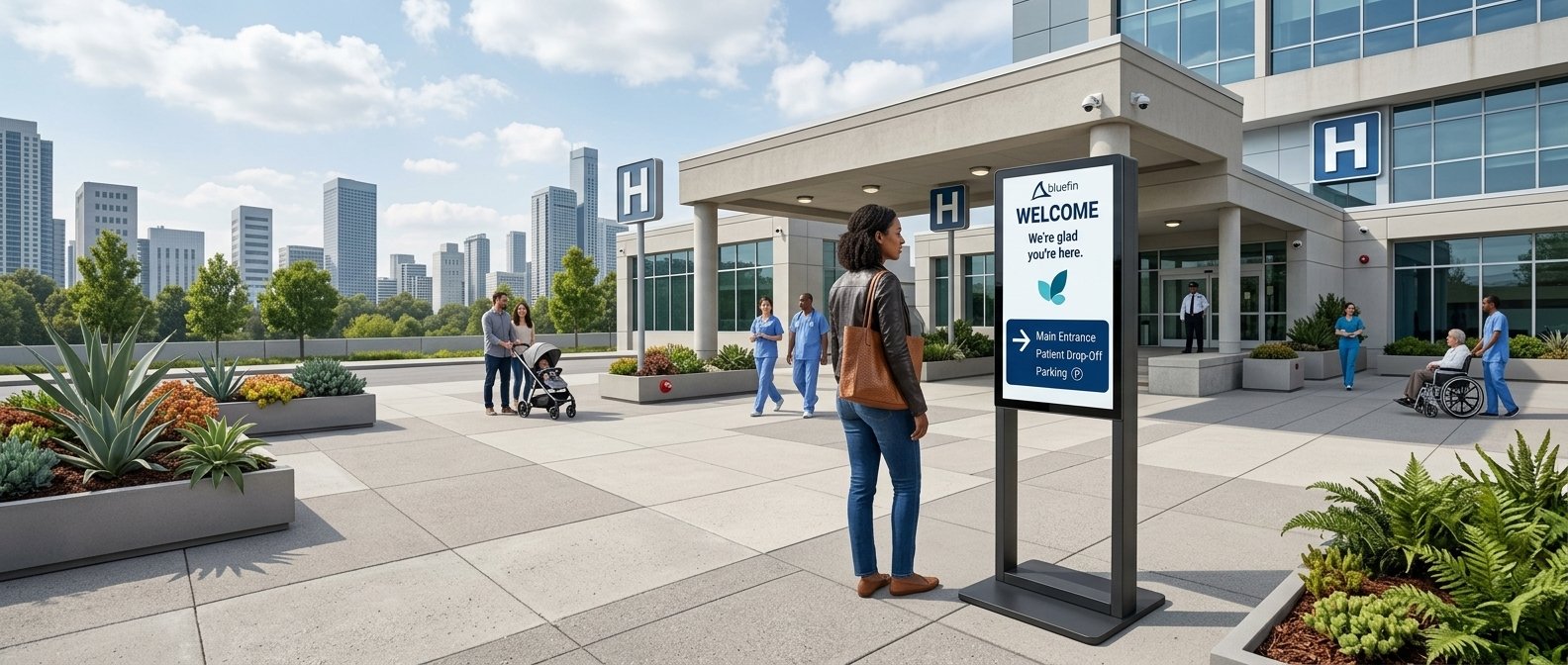
Healthcare visits often begin with uncertainty. Patients may already be worried about their health, running late for an appointment or navigating an unfamiliar campus.
A confusing parking area, unclear entrance or difficult-to-find department adds another layer of stress before care even begins.
Digital displays can help patients and visitors find:
The correct building or entrance
Registration and check-in areas
Clinics and departments
Imaging and laboratory services
Elevators and accessible routes
Pharmacies, cafeterias and amenities
Patient pickup and discharge locations
Parking and ground transportation
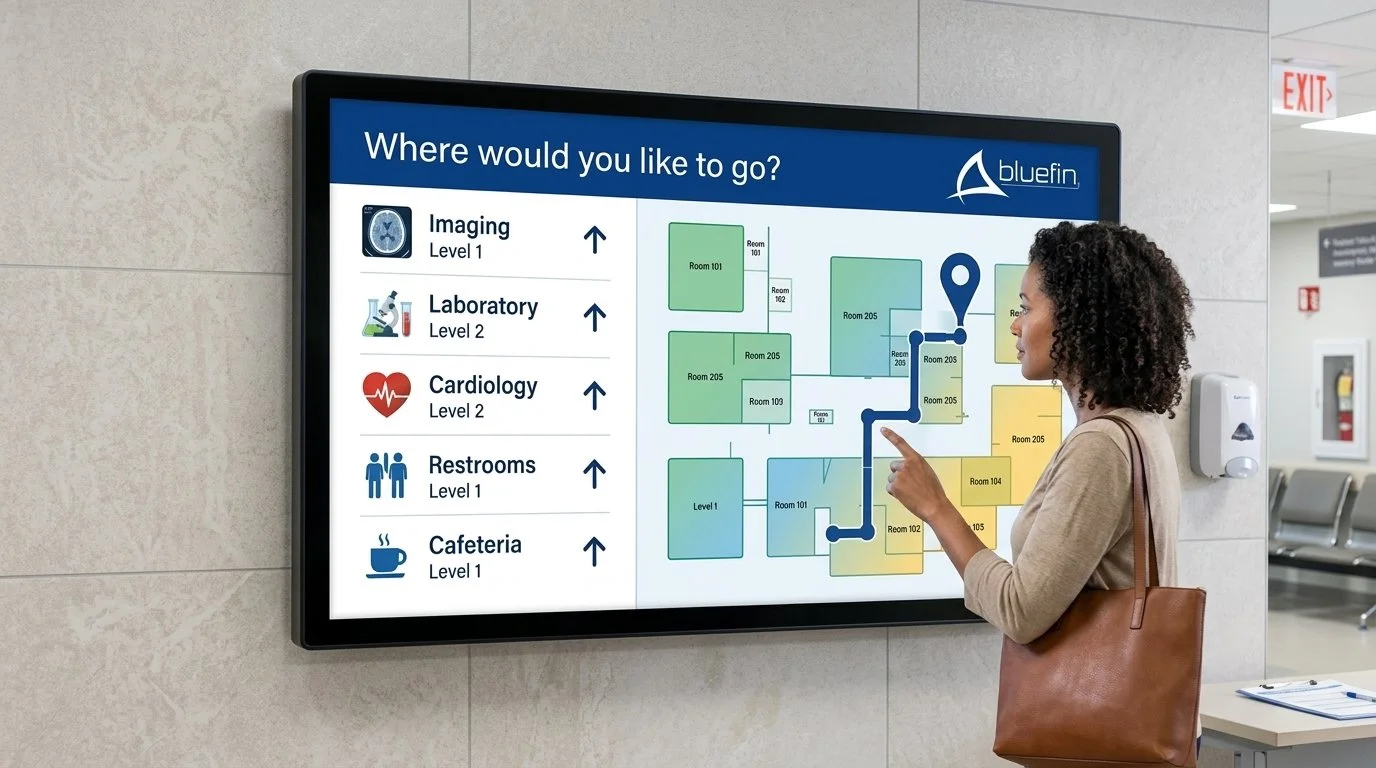
Large portrait displays work well for directories and floor-by-floor information. Interactive touchscreens can provide searchable destinations and step-by-step directions. Compact displays can reinforce room, department or service identification at key decision points.
Can Digital Wayfinding Reduce Patient Stress?
Digital wayfinding can help reduce the time and uncertainty involved in navigating complex healthcare facilities.
A recent hospital wayfinding study published through the National Library of Medicine evaluated a digital navigation tool across five hospital floors. Among the participants, 87% reported reduced navigation time, 83.3% reported less psychological stress and 94.4% preferred the digital system over traditional signage.
Another public-hospital signage study found that patients and visitors frequently struggled to find high-priority areas such as intensive care units, operating theaters and laboratories. The researchers concluded that clear, consistent signage plays an important role in wayfinding, patient experience, safety and emergency preparedness. Read the hospital signage implementation study.
Digital wayfinding does not replace every static sign or human interaction. It adds a flexible layer that can be updated as departments, routes and campus conditions change.
2. Creating a More Informed Waiting Experience
Waiting is part of nearly every healthcare journey, but uncertainty can make the experience feel longer and more stressful.
Patients often want to know:
Has my check-in been completed?
Where am I in the queue?
Is the clinic running behind?
What paperwork or information will I need?
What should I expect during the appointment?
Waiting-room displays can provide queue information, preparation instructions, general health education, safety messages and reassuring content.
A screen can also divide its time between operational updates and educational information, giving the organization a way to share:
Preventive-care reminders
Seasonal health guidance
Available services
Clinician introductions
Preparation instructions
Post-visit resources
Facility announcements
The objective is not to fill every second with content. It is to give patients useful information without overwhelming them.
How Can Digital Signage Support Check-In?
Digital displays and touchscreen kiosks can guide patients through registration, appointment confirmation and queue management.

Depending on the software and workflow, an interactive unit may allow patients to:
Confirm an appointment
Select a service
Join a digital queue
Review instructions
Scan a QR code
Transfer directions to a mobile device
Request additional assistance
A smaller countertop touchscreen may work well in a clinic or registration area, while a larger freestanding or wall-mounted display can serve a busier lobby.
The hardware should be selected around the workflow, accessibility requirements, cleaning procedures, privacy expectations and software platform.
3. Bringing Current Information Closer to Care
Digital communication does not stop when the patient leaves the waiting room.
Displays positioned outside patient rooms, treatment areas and consultation spaces can help identify rooms, communicate availability and support clinical workflows.
Depending on the platform, integration and healthcare organization’s privacy policies, digital room signs may display approved information such as:
Room or department identification
Occupancy status
Care-team information
Cleaning or service status
Isolation precautions
Fall-risk or safety alerts
Scheduling information
Restricted-access notices
Because some of this information may be sensitive, the display strategy should be developed with healthcare IT, security, compliance and clinical leadership. Access permissions, screen placement, network segmentation and the amount of visible information all require careful consideration.
The question is not simply what the system can display. It is what information should be visible, to whom and under what circumstances.
4. Helping Patients Understand and Remember
Healthcare communication can be difficult to absorb, especially when patients are anxious, uncomfortable or receiving a large amount of new information.
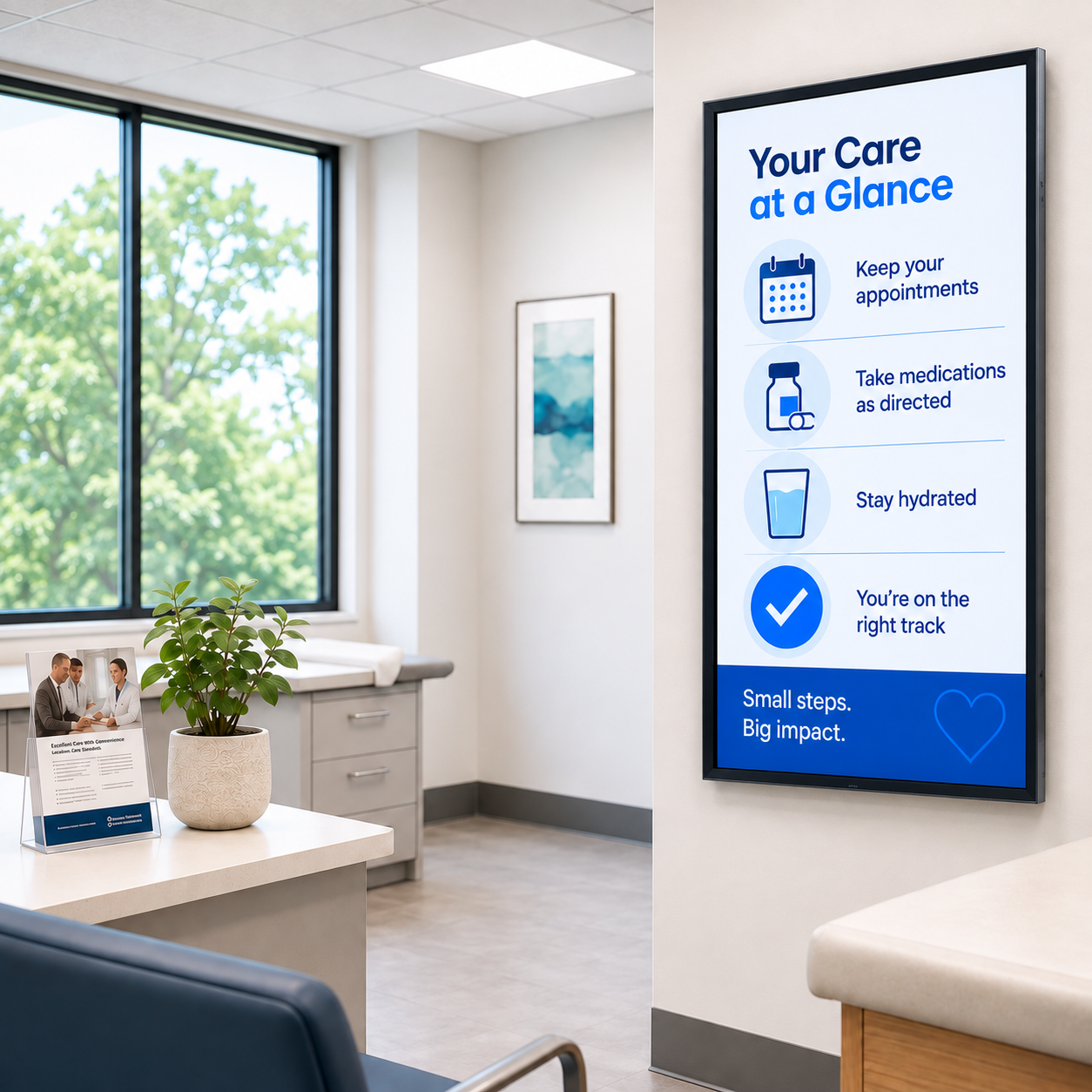
Digital displays can reinforce face-to-face conversations with:
Procedure explanations
Medication guidance
Discharge instructions
Rehabilitation exercises
Diagnostic illustrations
Preventive-care education
Multilingual content
QR codes linking to approved resources
Interactive displays can also help clinicians explain medical images or treatment steps during a consultation. The technology does not replace the conversation between a patient and care provider. It can give that conversation stronger visual support.
The most effective content is concise, readable and appropriate for the viewing distance. Important instructions should not be buried in a long playlist or surrounded by distracting promotional content.
5. Connecting Staff Across a 24/7 Environment
Healthcare signage is not only patient-facing.
Hospitals operate around the clock, with employees working across departments, floors, buildings and shifts. Many clinical, facilities and support employees are not regularly sitting at a desk or checking email.
Displays in staff areas, nurses’ stations, break rooms and operational spaces can communicate:
Shift and scheduling updates
Safety reminders
Policy and procedure changes
Training opportunities
Emergency information
Capacity and workflow dashboards
Equipment or facility status
Quality and performance goals
Employee announcements
Staff recognition
Strategically placed displays can help hospitals share current information with employees who work across different shifts and cannot easily gather for a meeting. The value is visibility within the flow of work. Employees can see what has changed without sorting through another crowded inbox or relying on a printed bulletin board.
Why Did Healthcare Digital Signage Accelerate After COVID-19?
The COVID-19 pandemic demonstrated how quickly healthcare communication needed to change.
Visitor policies, masking requirements, entrance procedures, testing locations and safety guidance sometimes changed within hours. Printed signs could become outdated almost as soon as they were posted.
Connected digital signage gave healthcare organizations a way to update messages centrally and distribute them to specific facilities, departments or display groups.
The pandemic also accelerated interest in:
Contactless check-in
QR-code content transfer
Remote content management
Centralized emergency messaging
Reduced reliance on shared materials
Real-time policy updates
Flexible room and entrance identification
The immediate crisis passed, but the need for responsive communication remained. Hospitals continue to manage changing schedules, seasonal health concerns, staffing challenges, construction, departmental moves and emergency events.
What Should Healthcare Organizations Consider Before Selecting Displays?
An effective healthcare display strategy begins with the communication need and physical environment—not the screen size.
Helpful planning questions include:
Who needs the information?
Where will they be when they need it?
How far away will they view the screen?
Will they interact with it?
Does the content include protected or sensitive information?
Who is authorized to publish and update content?
Which operating system and CMS support the application?
Does the location need touch, high brightness or additional durability?
How will the display connect to power and the network?
How will it be cleaned, monitored and serviced?
Does the installation need to meet accessibility requirements?
What happens if the network, media player or display becomes unavailable?
Hardware, software, network design, content governance and security should be considered together.
A technically capable display can still be wrong for the application if it is difficult to see, poorly positioned, hard to clean, incompatible with the software or inaccessible for service.
What Display Hardware Works Best in Healthcare?
The right display depends on the application.
Compact Touchscreens
Compact touchscreens can support check-in, directories, room scheduling, patient questionnaires and countertop information points.
Portrait Displays
Portrait-oriented displays are well suited for directories, wayfinding, educational content and locations where vertical wall space is more practical.
Room Signs and Schedulers
Smaller PoE-enabled displays can help communicate room availability, department information and scheduling details while reducing the need for separate power and data cabling.
Large-Format Displays
Large displays work well in lobbies, waiting areas, cafeterias, command centers and high-traffic communication zones.
Integrated Displays
An all-in-one display with an embedded system on chip can reduce separate media players, mounting accessories, power connections and cables. This can support a cleaner installation and more predictable service plan.
Tailored and Custom Displays
Healthcare furniture, kiosks, walls and clinical environments do not always accommodate standard display sizes. Tailored or custom dimensions, housings, finishes, glass and mounting features can help the technology fit the space instead of forcing the environment to fit the screen.
Purpose-Built Displays for Healthcare Communication
Bluefin International offers commercial displays for healthcare applications ranging from compact touchscreens and room signs to portrait, large-format and tailored units.
Available options include:
Commercial-grade 24/7 operation
Touch and non-touch configurations
PoE on select display sizes
Portrait and landscape orientation
Multiple embedded operating systems
HDMI connectivity for external media players
Standard, tailored and custom configurations
Multiple platform options give healthcare IT and project teams more flexibility to coordinate the display hardware with the selected CMS, security policies and application requirements.
Early collaboration also gives the project team time to review mounting, power, connectivity, ventilation, cleaning, accessibility and service access before the environment is finalized.
Explore Bluefin healthcare display solutions or contact Bluefin to discuss an upcoming project.
Frequently Asked Questions About Healthcare Digital Signage
-
Hospitals use digital signage for wayfinding, check-in, queue management, waiting-room communication, patient education, room identification, emergency messaging, staff communication, menu boards and operational dashboards.
-
Digital signage can make information easier to find and understand. It helps patients navigate facilities, prepare for appointments, follow queue updates and access educational content throughout their visit.
-
Yes. Digital maps, directories and interactive wayfinding tools can reduce uncertainty and help visitors reach their destination more efficiently. The results depend on content clarity, placement, accessibility and integration with the complete wayfinding system.
-
Some room signs, care boards and interactive displays can connect with EHR or clinical workflow platforms. The integration depends on the software, hardware, network architecture and security requirements. Protected information should only be displayed in accordance with the healthcare organization’s privacy and access policies.
-
There is no single operating system that is best for every healthcare application. The right choice depends on the CMS, security policies, processing requirements, device-management strategy and expected lifecycle. Bluefin supports BrightSign, Android, Windows, Linux and ChromeOS Flex configurations.
-
An all-in-one display combines the screen and processing platform in one unit. This can reduce external media players, mounts, power connections and cabling while creating a cleaner installation.
-
Touch can be useful for check-in, directories and interactive education. Project teams should also consider accessibility, cleaning protocols, privacy and whether a touch-free option such as a QR code could support the same workflow.
-
A compatible CMS can allow authorized teams to publish, schedule and update content across individual screens, departments or multiple facilities. Healthcare organizations should also establish clear permissions, approval processes, emergency overrides and content ownership.